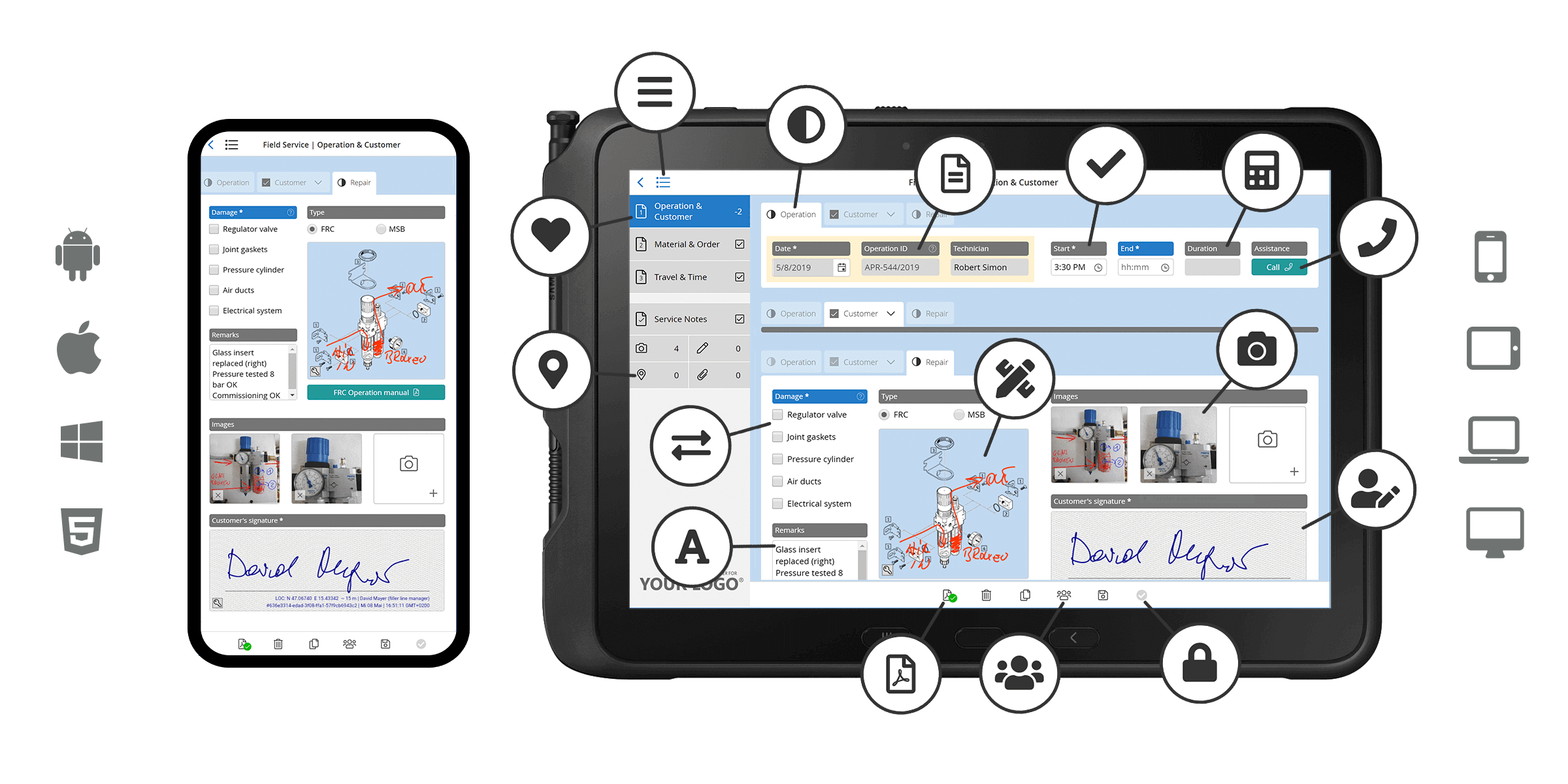
Support & Manuals: Getting started with HybridForms
HybridForms is the software for your mobile form processes – secure & all-purpose for various use cases. We enable companies & authorities to vastly reduce delays – by transforming paper forms to digital workflows.
User Manual: Quick Start Guide
The most important functions – described briefly.
Download: QuickStart – HybridForms App
(PDF | 12.4 MB)
Video: HybridForms App & Software
Critical operations. Trusted AI.
- Video: HybridForms Enterprise App & Software
(MP4 | 3:35 minutes)
Latest Release Notes
We are constantly working on the further development of HybridForms, the integration of new features and the optimization of modules. Feedback from our customers and partners is very important to us, as are requirements from workshops with users from different industries and use cases.
HybridForms Version 10.7 (April 2026): Optimized redesign for better usability | New Module: EnterpriseGeo – Map Server Integration | Listpage Admin Read: Extended Form Management Directly in the App | Optimized Timeout Handling in ReachOut | Backend Update: Migration to .NET 10 | Changelog for Version 10.7
- HybridForms Version 10.5 (October 2025): Optimized redesign for better usability | Central theming for all forms | Notes for customers with existing custom theming | Granular permission settings: Create & Edit | Two-factor authentication for ReachOut deliveries | New video feature | Changelog for Version 10.5
- HybridForms Version 10 | Anniversary Edition (March 2025): New standard themes & Dark Mode | Custom themes & branding | »New« badge in listings | Action Sheets for mobile views of media functions | Roaming of settings for subscribed processes | New professional map module | Deadline function for form status | Catalog updates via workflow | Revised developer documentation with AI chatbot
- HybridForms Server 9.5 General availability (May 2024): Early access to Release Candidates | Ideas & demands for new App functions
HybridForms Version 9.5 (March 2024): Callback in listings for dynamic enrichment | Scrolling when tab menus are too long | Conditions for media functions | Rich text editor for multi-line text fields | Scans of identity cards with Regula Forensics (optional module) | Extended tooltip/help function | Optimization to avoid sync conflicts | Improved PDF handling of long form pages | Improved extended read function API/Admin
- HybridForms Version 9.4 (August 2023): Module AnnotatePDF for In-App-Edit & Update | Further optimization of accessibility | Additional media gallery functions | Input counter for multi-line text fields | Support for serial scans (QR code and barcode) | Update to new scanning technology for identity cards | Automated validity check already during input | Extension of the translation file with automatic comparison of modifications | Checking the time setting on client devices with warning in case of deviations | Improvement of stability functions for poor internet connections | Extension of the functions for HybridForms ReachOut Server
- HybridForms Version 9.2 (February 2023): Photo documentation: file size of images | Repeating units: sorting of blocks | Other optimizations and bug fixes
- HybridForms Version 9 (December 2022): Major release with many new functions and optimizations in communication, synchronization, conflict avoidance and acceleration: Integrated route calculation for Google Maps | Switching between systems during running application without logging off | Extensions to the ReachOut Server | Extension of conditions in forms | Optimization of accessibility | Automated translation keys for multilingual forms | Excel Template Exporter | Advanced scanning function of Anyline for ID cards etc. | Lazy loading | Extensions to HybridForms Core Server | New online documentation for form development
- HybridForms App Version 8.8 (March 2022): Photo documentation: Serial capture | Signature field: Corporate Stamp | Drawing function: Dimension arrows and dashed lines | Further optimization of deep linking | Integration of Microsoft Teams | Mobile Augmented Reality
HybridForms App Version 8.7 (November 2021): Adaptive Zoom | Signature field as overlay | Connected Maps | Audit Trail Tracing | HybridForms ReachOut Server | Admin Read in the App | Coming soon: 3D Augmented Reality
- HybridForms App Version 8.6 (July 2021): Drawing function extension | Preview functions for picture detail view | New treeview control | WatchPosition | Picture picker extension
- HybridForms App Version 8.5 (May 2021): Optimized synchronization | Advanced map function | Optimized translation function | Update of the optional Precision Scan module | Enhancements in pre-authentication | Especially for developers
- HybridForms App Version 8.4 (February 2021): Logout: Secure logout function with enhanced usability when changing users | Multilingual forms: Easy management of all translations via ONE Excel file
- HybridForms App Version 8 (July 2020): Stages and workflow | Adaptive dynamic checklists | Advanced biometric signature | Dynamic and static maps and geodata | Drawing mode with pressure sensitivity | Grouped forms on list page | Scheduled delete function | Authentication with ADFS and Azure AD
- HybridForms App Version 7 (April 2020): Advanced Progressive Web App | Further optimization of UI | Advanced sync mechanism | Improved drawing and annotation capabilities | Universal Media Picker | In-app Kiosk Mode | Document Scanner | Client–Server and Client-Form compatibility
Support for HybridForms
Do you want to evaluate HybridForms as a real-life test in a pilot project (Proof of Concept / POC) with all functions and with your own forms?
Or do you still have questions about the HybridForms App or creating your own templates with the HybridForms Designer? Our support team will be happy to help you.
FAQ
Questions & answers to mobile forms and workflows with HybridForms. If you have any further questions, just drop us a line at support@hybridforms.net.
The central HybridForms Server manages:
- Form definitions and templates
- User roles, permissions, and signatures
- Workflow stages and processing logic
- Data storage in the SQL database
- Audit logs and version control
- Interfaces to third‑party and line‑of‑business systems
- Integrated on‑premises assistive AI features
The server ensures consistency, security, and reliable operations – for small teams as well as large‑scale enterprise deployments.
HybridForms is used for tasks such as:
- Inspection and audit reports
- Checklists for quality control
- Online reports & online police services
- Incident documentation
- Patient information & medication studies